| cmd/telesrv | ||
| data/langpack/tdesktop | ||
| deploy | ||
| docs | ||
| internal | ||
| .gitignore | ||
| go.mod | ||
| go.sum | ||
| README.md | ||
| README.zh-CN.md | ||
| sqlc.yaml | ||

gramsrv
gramsrv is a Go implementation of a Telegram-like MTProto server, focused on
real client compatibility, repeatable protocol research, and self-hosted chat
experiments.
Website · Discussion group · Channel · 中文 README
gramsrv is independent and unofficial. It is not affiliated with, endorsed by,
or sponsored by Telegram or the official Telegram team.
Highlights
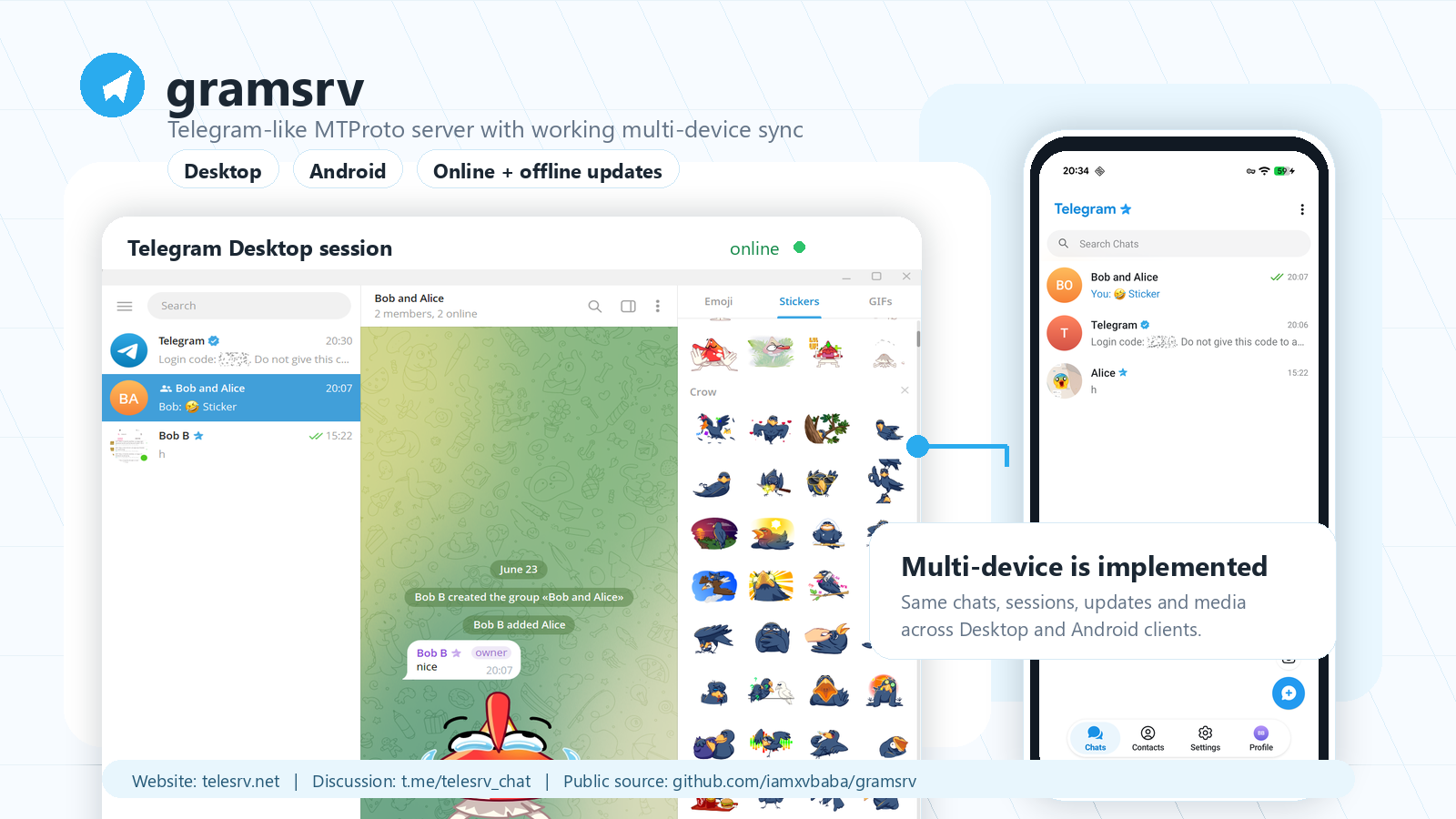
- Multi-device is implemented. Telegram Desktop and Android clients can use the same server state, with scoped sessions, online fan-out, current-session exclusion, and offline recovery through update difference APIs.
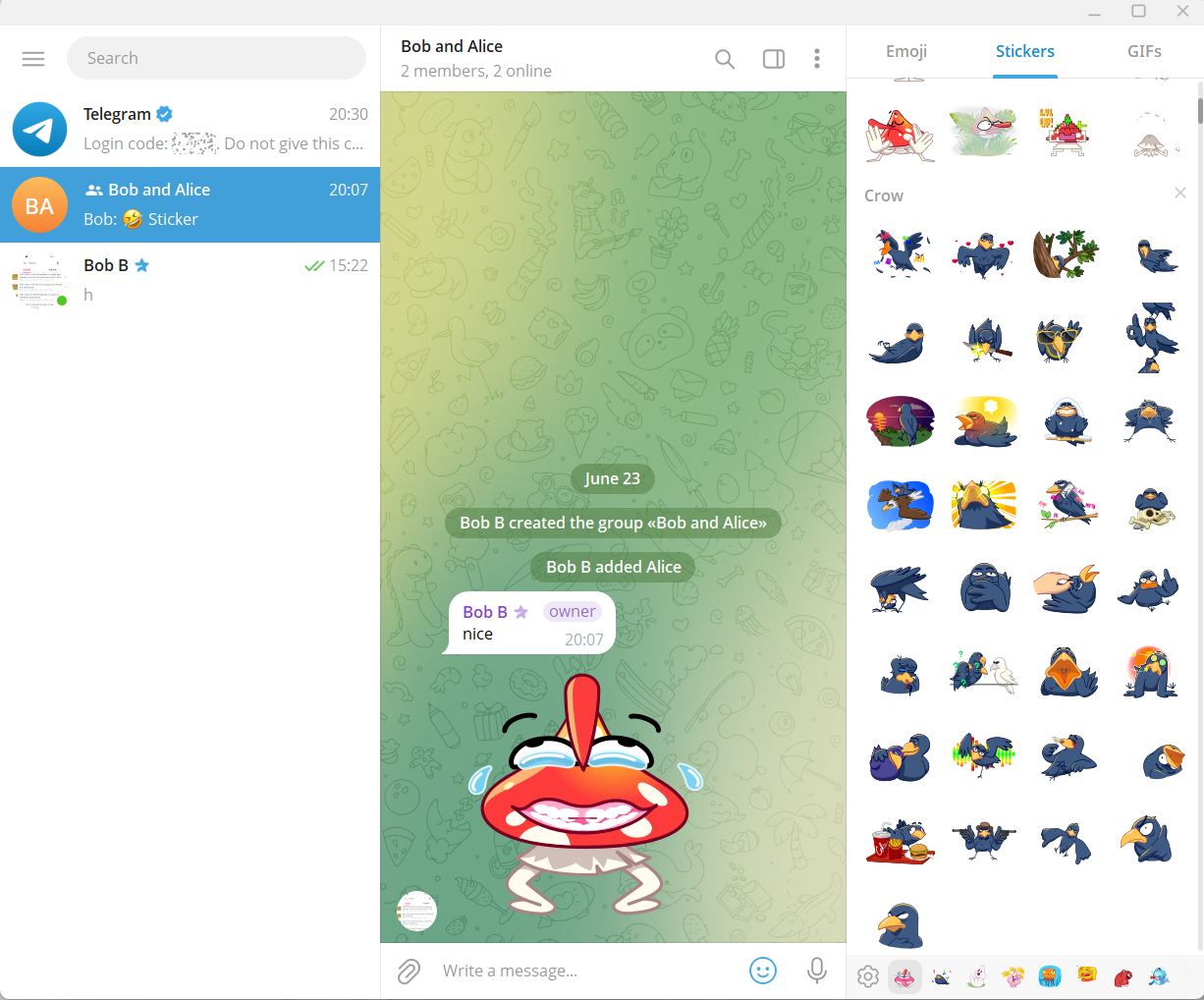
- Telegram Desktop is the primary compatibility target. The public build tracks a pinned TDesktop baseline and keeps compatibility work documented.
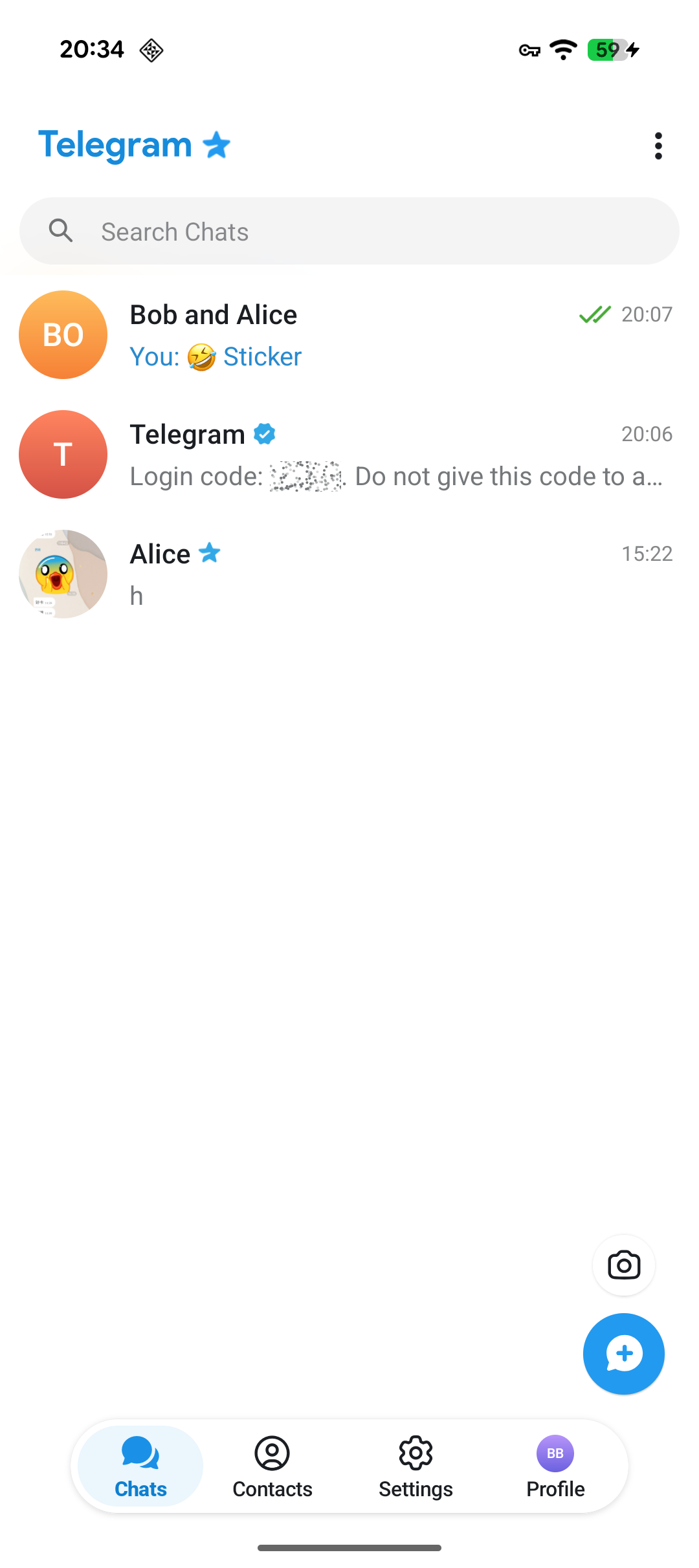
- Android compatibility is active. The current public screenshots include a patched Android client connected to the same server path.
- Core chat paths work today. Login, users, contacts, dialogs, private messages, supergroups/channels, media/files, profile/channel photos, stickers, reactions, language packs, and presence are covered on the main path.
- Production boundaries are explicit. Large-scale public channels, multi-DC/file-DC/CDN, Bot API, payments, stories, Premium business logic, abuse controls, and production object storage are outside the current public scope.
For downloads, public information, and the current hosted experience entry, visit telesrv.net. For questions, compatibility reports, and development discussion, join t.me/telesrv_chat.
Screenshots
| Telegram Desktop | Android |
|---|---|
 |
 |
Repository Layout
cmd/telesrv/              server entrypoint
deploy/                   docker-compose and PostgreSQL migrations
internal/mtprotoedge/     MTProto transport, auth key, session, ack/resend
internal/rpc/             TL router and Telegram Desktop compatibility handlers
internal/app/             domain services
internal/domain/          protocol-independent domain models
internal/store/           store interfaces and memory/postgres/redis backends
docs/                     compatibility notes and module design docs
Quick Start
Requirements:
- Go 1.25 or newer
- Docker Desktop or Docker Engine with Compose
- OpenSSL, if you want to build a matching Telegram Desktop client
Start PostgreSQL and Redis:
docker compose -f deploy/docker-compose.yml up -d
Build and run the server:
go build -o bin/gramsrv.exe ./cmd/telesrv
.\bin\gramsrv.exe
On first start, gramsrv creates data/server_rsa.pem, applies all database
migrations, seeds bundled language packs, and listens on 0.0.0.0:2398.
Useful development environment variables:
| Variable | Default | Meaning |
|---|---|---|
TELESRV_LISTEN |
0.0.0.0:2398 |
MTProto listen address |
TELESRV_ADVERTISE_IP |
127.0.0.1 |
IP written into help.getConfig |
TELESRV_DC |
2 |
self-hosted DC id |
TELESRV_DEV_AUTH_CODE |
12345 |
fixed login code for local development |
TELESRV_POSTGRES_DSN |
local Compose DSN | PostgreSQL connection string |
TELESRV_REDIS_ADDR |
localhost:6399 |
Redis address |
TELESRV_STICKER_SEED_DIR |
data/sticker-seed |
optional exported sticker/reaction seed directory |
The optional sticker seed directory is skipped when it does not exist.
Client Compatibility
Stock Telegram clients will not connect to gramsrv because they trust
Telegram's production DC list and RSA keys. Use a patched experience client from
the official website, or build your own client with a
minimal protocol patch.
Current Telegram Desktop baseline:
- Telegram Desktop commit:
9caf32dffc90ddd9bb08ad5777b865f729fa167b - TL layer: 225
- Local DC:
127.0.0.1:2398, DC id2
After gramsrv generates data/server_rsa.pem, export the matching public key:
openssl rsa -in data/server_rsa.pem -RSAPublicKey_out -out data/server_rsa.pub
Patch Telegram/SourceFiles/mtproto/mtproto_dc_options.cpp:
- Replace the built-in production/test DC lists with your
gramsrvendpoint. - Replace both
kPublicRSAKeysandkTestPublicRSAKeyswithdata/server_rsa.pub. - Add
Flag::f_tcpo_onlyto the built-in DC flags.
Keep the client patch minimal: endpoint, RSA key, and TCP-only flags only.
Multi-Device Smoke Test
Use separate client working directories so sessions do not share local tdata:
$tdesktop = "C:\path\to\tdesktop\out\Debug\Telegram.exe"
Start-Process $tdesktop -ArgumentList @("-workdir", "$PWD\.tdata-alice")
Start-Process $tdesktop -ArgumentList @("-workdir", "$PWD\.tdata-bob")
Log in with different phone numbers. In local development, the login code is
12345 unless you changed TELESRV_DEV_AUTH_CODE.
Recommended checks:
- Send private messages, stickers, media, replies, forwards, edits, deletes, and read receipts between two users.
- Keep one device online and restart another device to verify offline
updates.getDifferencerecovery. - Open the same account from multiple sessions and confirm current-session echoes are not duplicated while other online sessions receive updates.
- Check server logs for no new
NOT_IMPLEMENTED,Unhandled RPC,bad_msg, panic, or internal errors.
Documentation
- Compatibility matrix
- Telegram Desktop patch notes
- Persistence layer
- Message module
- Channel module
- Performance audit
Contributing
Compatibility-driven contributions are welcome. Useful areas include Telegram Desktop and Android reports, reproducible RPC traces, focused bug fixes, multi-device update tests, performance work on already implemented paths, and documentation that makes local setup easier.
If a change affects visible client behavior, include the client version/commit, the RPC path you tested, and the server log result.